
Screenshots
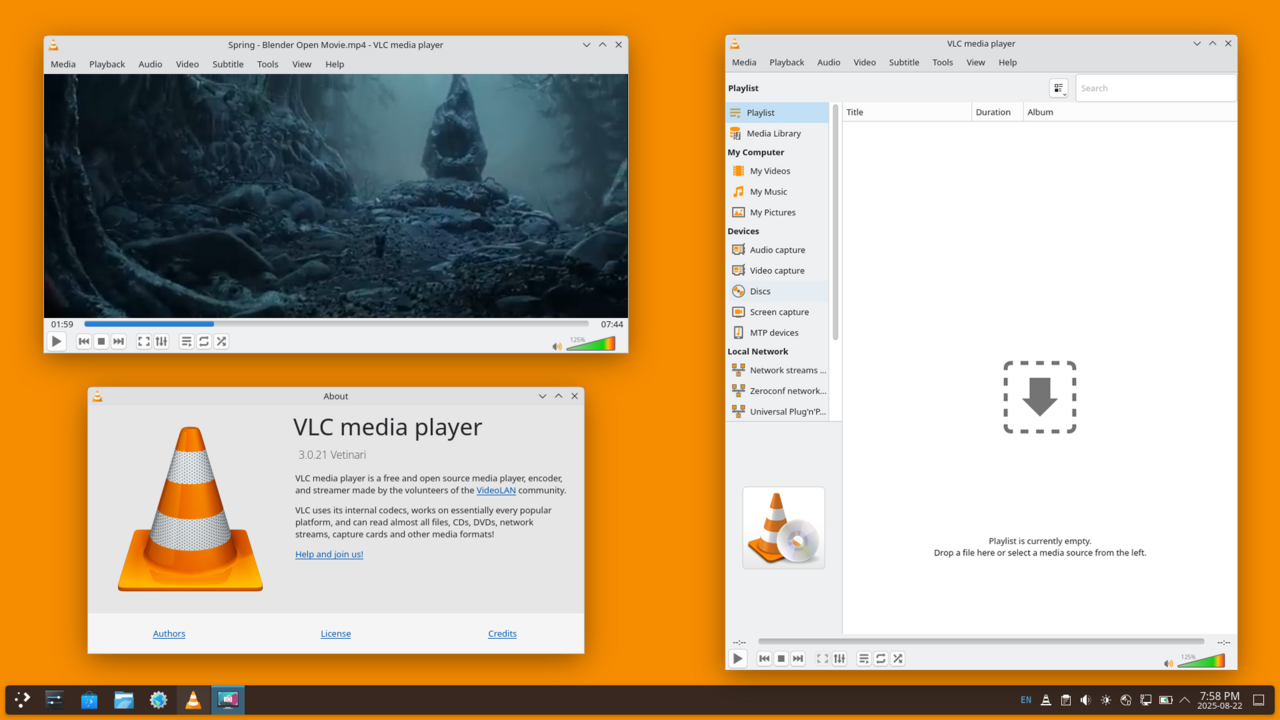
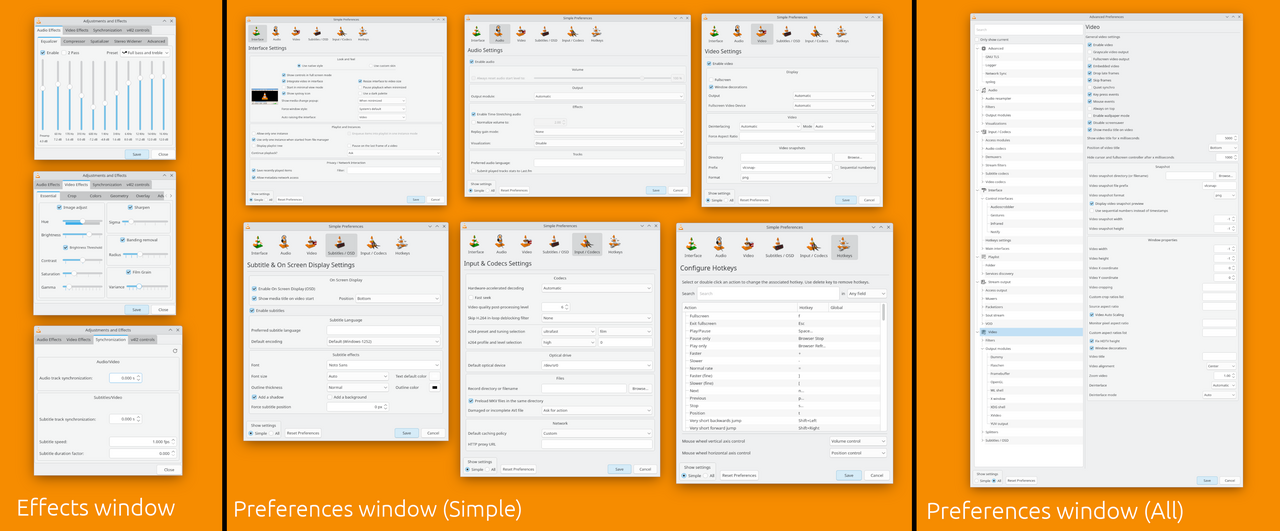
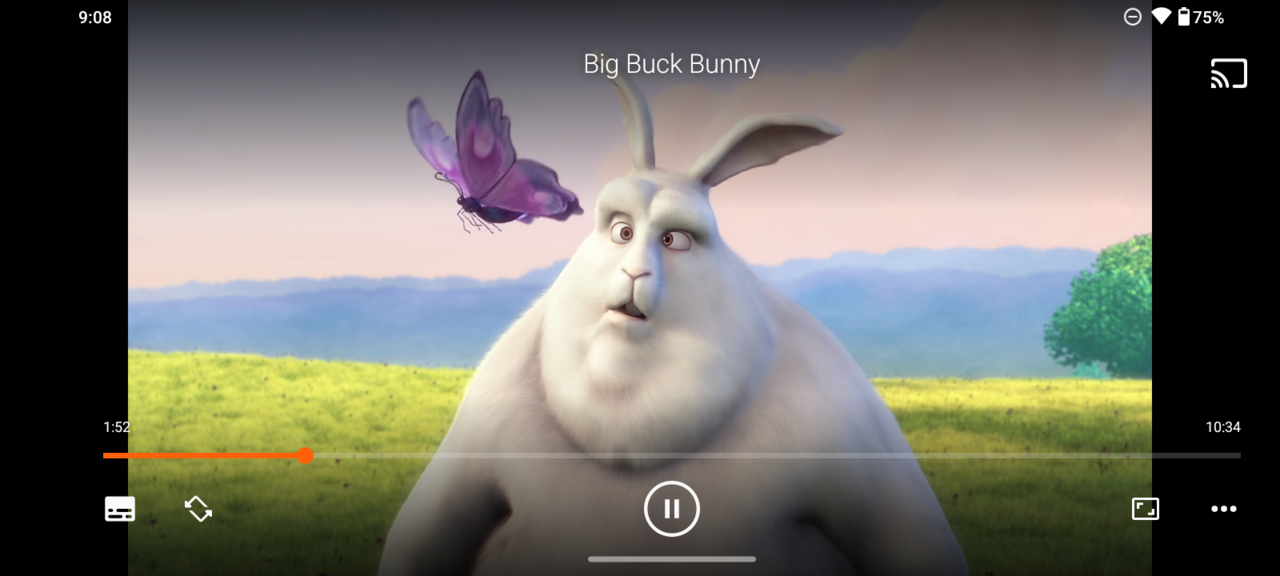
About VLC Media Player
VLC is the media player that plays absolutely everything. From obscure video codecs to damaged files and network streams, if it can be played, VLC plays it, without hunting down separate codec packs. It is free, open source and completely ad-free.
Beyond playback it can convert between formats, capture your screen, stream over a network and fine-tune audio and subtitles. Decades of development have made it one of the most trusted pieces of software on any platform.
Key features
- ✓Plays virtually any audio or video format
- ✓No codec packs or extra downloads needed
- ✓Stream and play network and online media
- ✓Convert and record video and audio
- ✓Advanced subtitle and audio-sync controls
- ✓100% free, open source and ad-free
Requirements
Windows 10 / 11, 64-bit
VLC Media Player — frequently asked questions
Is VLC Media Player free to download?+
Yes. VLC Media Player is free and open source, so you can use it at no cost.
Is VLC Media Player safe to download?+
Yes. HivApps links to the latest VLC Media Player build and keeps listings clean, with no bundled extras. As always, keep your antivirus on and only install software you trust.
What is the latest version of VLC Media Player?+
The latest version listed here is VLC Media Player 3.0.21, updated Aug 29, 2026.
What do I need to run VLC Media Player?+
Windows 10 / 11, 64-bit
How do I install VLC Media Player on Windows?+
Click the Download button on this page, run the installer once it finishes downloading, and follow the on-screen setup steps.
Tags
Reviews
Write a review
Download VLC Media Player for free
Latest version (3.0.21) · Safe & clean